Problem
The stream was a pile of tabs.
A donation link in one service, an alert overlay in another, a Discord post typed by hand at go-live, and a four-hour VOD that never becomes a clip. For streamers in Ukraine the money already has a home — a Monobank jar. What was missing was everything around it.
Solution
A toolkit around the jar you already have.
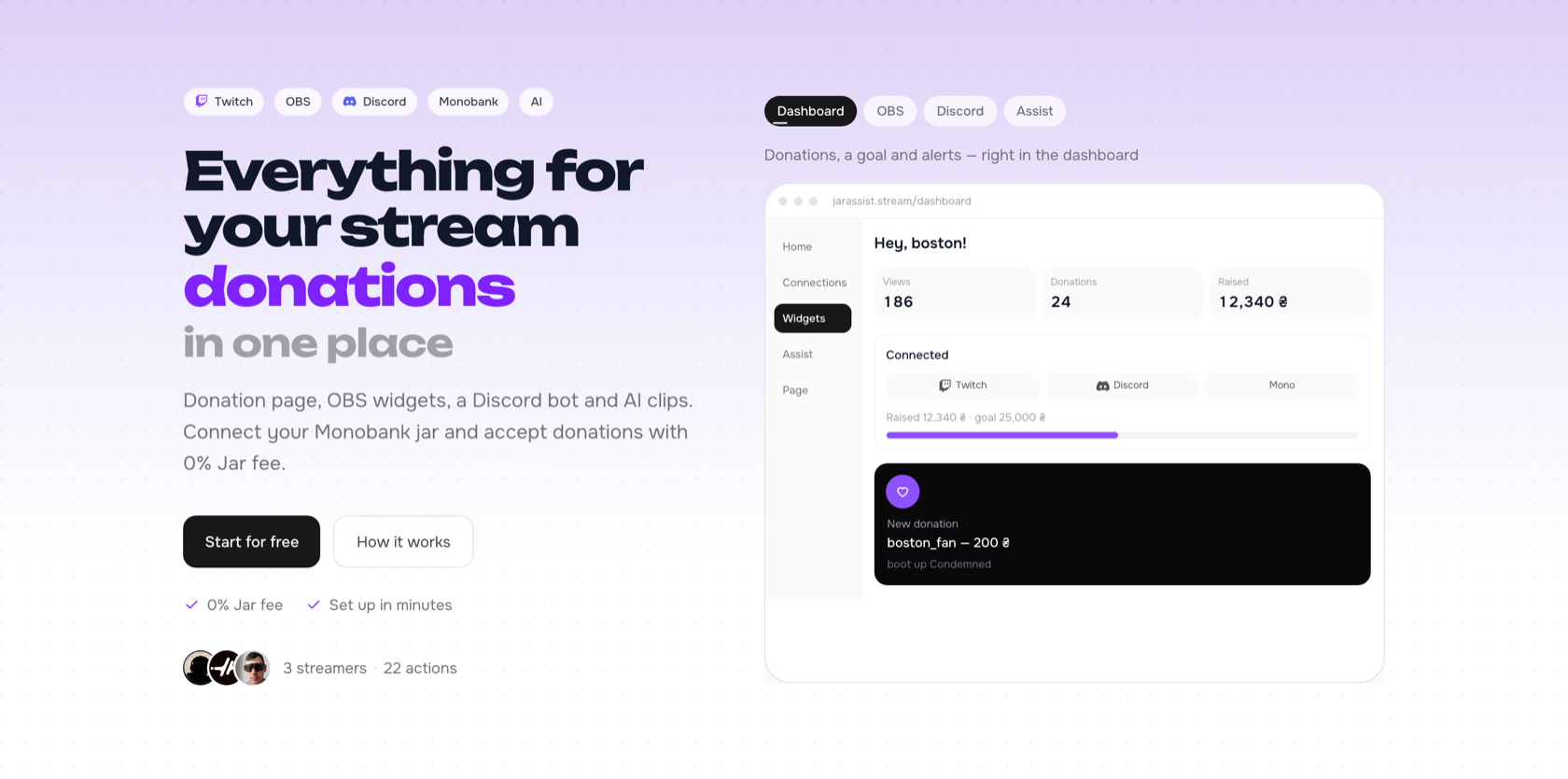
Jar is the layer on top of that jar: a public donation page, OBS widgets, a Discord bot, and Assist for clips. Connect Twitch, Discord, Monobank, OBS — only the tools you actually use.
Money goes to the jar. Jar’s fee is 0%. No second payments company, no business registration just to accept a tip for the stream.
Page
A page that can look like you.
Ten looks, from Noir to Sky. Title, bio, socials, goal on or off — the preview updates as you edit. When a template is not enough, the same page accepts custom HTML and CSS. The link is short enough to drop in a Twitch about, a chat command, or a Discord channel.
OBS
Alerts that belong on the scene.
Alert, goal, recent donations, top donors, Twitch chat. Dark or light, sized like a browser source at 1600×800. Presets ship with the product; custom HTML and CSS are there when the preset is not the look.
QR, marathon, polls, and the rest live in the same dashboard. Add only what the stream actually uses.
Discord
The bot posts. You stream.
Connect it once. When you go live, the channel gets the game, the preview, and the Twitch link. When someone donates, Discord gets their name, the amount, and the message. One bot can serve a whole server — each streamer keeps their own page and their own jar.
Assist
If you have a VOD, you have clips.
Jar Assist turns a long Twitch VOD into short vertical clips. It finds the moments, adds captions, and frames them 9:16 for Shorts and TikTok.
Assist runs on Chips — credits inside Jar — so clipping is a product action, not a second evening in an editor. Public clips can loop on the Jar site; the full video is one click away.
Tone
Lilac field. One violet word.
The landing stays quiet on purpose: a pale lilac ground, black type, and a single word — donations, widgets, Discord, clips — that cycles in violet. Alerts are black cards with a small heart, not a sticker pack. The product can be loud on stream; the site should not shout over it.
Built for streamers in Ukraine. Hryvnia on the page, a Monobank jar under the money, and a link you can paste before the stream starts.
Story
- 01
Donations, alerts, Discord, and clips lived in different tools — and the jar was already in Monobank.
- 02
Jar put a page, OBS widgets, a Discord bot, and Assist around that jar, with a 0% fee.
- 03
Ten page looks, or your own HTML and CSS. Five OBS widgets, dark or light, plus custom CSS.
- 04
The bot posts go-live and new donations. One bot, many streamers, each with their own page.
- 05
Assist turns a VOD into captioned 9:16 clips. Set up what you need, then go live.
Live product
jarassist.streamOpen the page. The jar is already the point.